



Last Updated on October 8, 2026 by Domenica
- How to Deposit Cash Into Your Chase Bank Account
- What You’ll Need
- You Can’t Deposit Cash Into Someone Else’s Account
- You Can’t Mail Cash In, Either
- You Don’t Always Need an ID
- 3 Ways to Deposit Cash at Chase Bank
- How to Deposit a Check Into Your Chase Bank Account
- 1) Deposit Your Check Through The Chase Mobile App
- 2) Deposit Your Check Through The Mail
- Checks Are Simple, but When Are They Available?
- Deposited Directly — How to Set Up Direct Deposit Through Chase Bank
- Through The Form, Either With a Banker or Through The Mobile App
- Getting Your Information Through The App
- How to Deposit Funds Into Your Chase Bank Account Using Zelle
- ACH, External, and Wire Transfers — How to Use Them To Deposit Funds Into Your Chase Bank Account
Chase offers several ways to deposit money into your account, but a few important rules can stop a deposit before it goes through. Here’s what works, what doesn’t, and why.
At Chase, there are seven ways to make a deposit into your account:
- Cash Deposits
- Check Deposits
- Direct Deposits
- Zelle Transfers
- Wire Transfers
- ACH Transfers
- External transfers
How to Deposit Cash Into Your Chase Bank Account
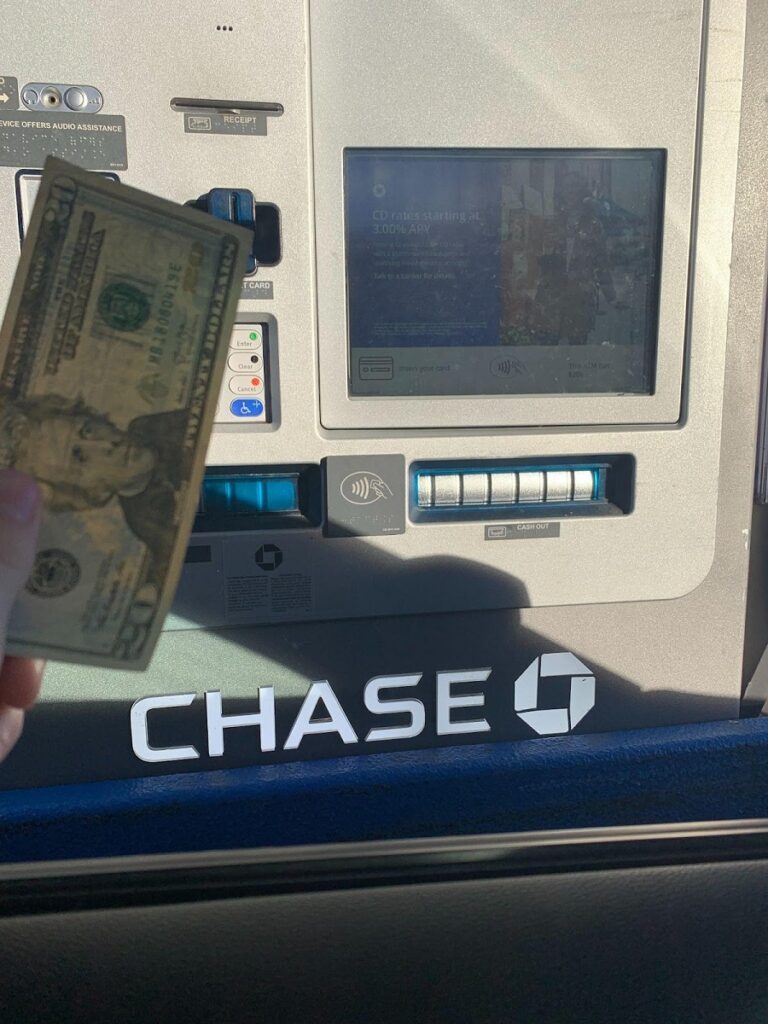
Cash is one of the easiest ways to pay for something or to get paid. It’s paper, and it goes right in your hand; a perfect payment for even the most skeptical of people.
While you can obviously deposit cash into your account at Chase, there are some rules you should be familiar with before you go into your local branch:
What You’ll Need
Chase asks for a primary ID, such as:
- Debit card with the correct PIN
- Driver’s license
- Passport
These are the most common options, though Chase accepts other forms of ID as well.
Banks face strict anti-money-laundering rules, and cash is the hardest form of money to trace. That’s why Chase verifies your identity before accepting a cash deposit.
You Can’t Deposit Cash Into Someone Else’s Account
Chase only allows cash deposits into personal accounts where the depositor is listed as an owner or authorized signer. The bank introduced this policy in 2014 to help prevent money laundering. It isn’t a federal law — other banks set their own rules — but it applies at every Chase branch and ATM.
The policy covers cash only. Checks and money orders can still be deposited into someone else’s account, since they can be traced back to their source.
Alternative Methods to Give Money to Someone at Chase
- Use Zelle. Deposit the cash into your own Chase account, then send it with Zelle or a transfer
- Use Your Own Check to Deposit.
- Use a Cashier’s Check or Money Order. If you don’t have a check handy, buy a cashier’s check or money order.
You Can’t Mail Cash In, Either
According to Chase’s Deposit Account Agreement, the Bank rejects mailed cash.
Chase needs to verify your identity before accepting cash. Checks are a different story — see the mail deposit section below.
You Don’t Always Need an ID
There is one exception: you don’t need an ID if a teller or banker is willing to vouch for you as a “known customer.”
At Chase Bank, a “known customer” is someone an employee says they know by face and by name. Essentially, if you were to make a deposit with lead teller Dolores every Wednesday, and Dolores never asks for you ID because she knows you and what business you have, you’d be a known customer.
While there are things you can do at Chase Bank without an ID, it’s always best practice to have one on you. No matter how well known you are, there’s new employees or transfers from other branches who haven’t gotten a chance to know you. Show them your ID whenever they ask; it’s the best way to keep the ball rolling.
Now that we’ve had fun and discussed all the boring rules behind what could stop you from making a deposit, let’s talk about how to actually put cash into your Chase Bank account.
With the rules covered, here’s how to put cash into your Chase account.
3 Ways to Deposit Cash at Chase Bank

1) Deposit Cash with a Teller
Tellers are the staple of retail banking. With a cash drawer and a computer to run your transactions, they’re the frontline of every Chase branch. Chase now calls them “Associate Bankers”, reflecting the bank’s push to move routine transactions to digital channels.
Chase wants to move more people to digital banking options. They’re hoping that most of their clientele can operate as digitally and independently as possible.
To deposit cash with an Associate Banker: simply present the cash and an ID and they should be able to do the work for you.
Some branches still have deposit slips out in the lobby, feel free to grab one of those, put your name and account information on there as well as the amount of the deposit, and do the employee’s job for them!
2) Deposit Cash with a Banker
This option is less common, but still available. Relationship Bankers can sit down with you and process check deposits — and cash deposits too, as long as you bring an ID or they know you as a customer. This often happens when you open a new account and want to fund it right away.
Not every banker can run deposits, though. Private Client Bankers and Financial Advisors focus on investment products offered through J.P. Morgan Securities LLC, so they may hand your deposit off to another banker.
If you work with a Financial Advisor, don’t be surprised if another banker steps in to handle your transaction.
3) Deposit Cash at an ATM
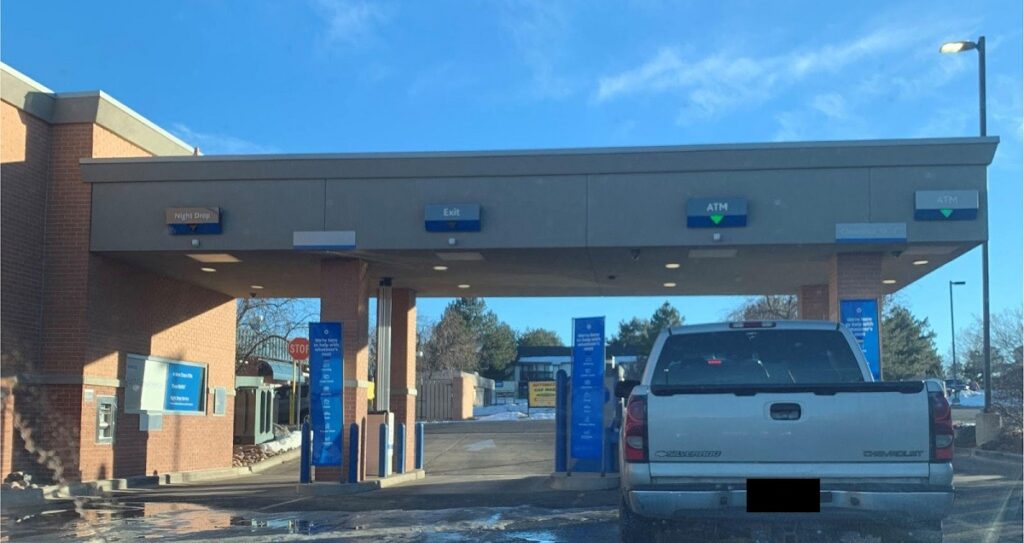
This is the most common way to deposit cash, and the way Chase encourages customers to deposit. In most cases, the ATM is faster than waiting in the teller line — unless the machine is down or there’s a line.
To use the ATM, insert your debit card and enter your PIN. If you have multiple accounts, any one of your debit cards will pull them all up. Select the account you want to deposit into, or deposit into one account and use the app to transfer the funds to another.
Most Chase ATMs also support cardless access. Add your Chase debit card to a digital wallet like Apple Pay or Google Pay, tap your phone at the ATM, enter your PIN, and deposit cash without a physical card.
Chase, like many banks, is shifting branches away from routine transactions and toward financial advice. Expect more upgraded ATMs and fewer teller windows over time.
How to Deposit a Check Into Your Chase Bank Account
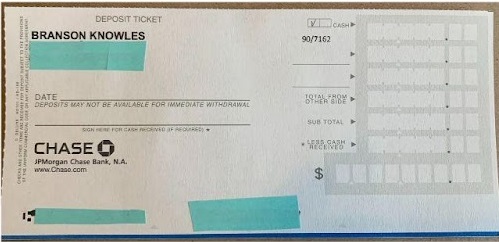
Checks are another common and easy way of depositing funds into your Chase Bank account. Because they can be traced back to a source through the remitter’s name, account, and routing number, Chase Bank is a lot more lenient on who can deposit checks and where.
You don’t need an ID or a debit card to deposit a check into an account. Better yet, you can even deposit checks into other people’s accounts! As long as the check is written correctly, you can deposit it.
Like cash, you can deposit checks through a teller, with a banker, or at the ATM. Depositing checks isn’t exactly like cash though; here are two ways to deposit checks into your Chase Bank account that you can’t do with cash.
1) Deposit Your Check Through The Chase Mobile App
Chase QuickDeposit feature in the mobile app lets you deposit checks without a trip to the branch.
Here’s how it works:
- Sign in to the Chase Mobile app.
- Tap Pay & Transfer, then select Deposit checks.
- Choose the checking or savings account you want to deposit check in
- Enter the exact dollar amount written on the check
- Take photos of the front and back of the endorsed check, using the on-screen frame to line it up.
- Review and submit your deposit.
The Chase mobile app has a handy frame to use when taking a picture of your check. The frame makes sure everything is captured correctly. Once you’ve taken a picture of the front and back, you can go ahead and make your deposit!
2) Deposit Your Check Through The Mail
This isn’t common, but it’s still an option. You can’t mail cash, but checks are fine.
Chase accepts checks outside of branch visits in two main ways:
- Through the mail
- Through the night drop (only at select physical branches)
Checks Are Simple, but When Are They Available?
Unlike cash, check funds may not be available right away. Chase’s policy is to make most deposits available by the next business day.
When Chase does hold part of a check, federal rules (Regulation CC) still require the bank to release the first $275 by the next business day. The rest typically becomes available within a few business days.
Longer holds may apply if:
- Your account has been open fewer than 30 days
- You deposit more than $5,525 in checks in one day
- Your account has been overdrawn repeatedly in the last six months
- You redeposit a check that was previously returned
If Chase places a hold, it’ll tell you when the funds will be available. Keep in mind that available funds don’t mean the check has cleared. A check can still bounce after you’ve spent the money, so make sure whoever paid you is reputable.
Deposited Directly — How to Set Up Direct Deposit Through Chase Bank
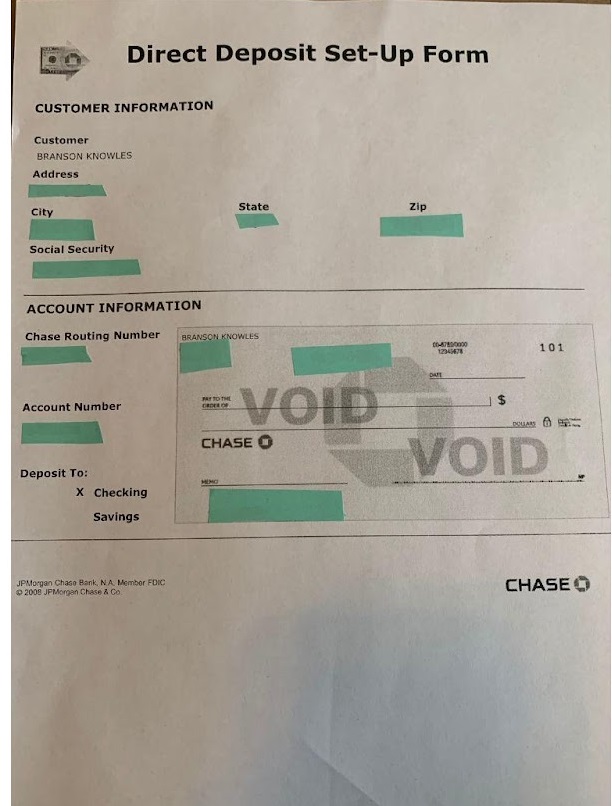
Direct deposit is one of the easiest ways to deposit money into your account. You don’t ever need to go to the bank or even log into the mobile app; once you set it up all of your paychecks should head straight into your account.
There are two ways to set up direct deposit with Chase Bank:
Through The Form, Either With a Banker or Through The Mobile App
Chase Bank has a handy form meant to set up direct deposit. Your banker should offer you one when you open your account, but you can always get one off of the app or Chase’s website.
The form includes all of the information you’ll need to give to your employer:
- Your name as it appears on your account
- Your account number
- The bank’s name and routing number
Chase has different routing numbers depending on the state you opened your account in, so be sure to check on the app if it isn’t already printed.
Getting Your Information Through The App
While some employers require some sort of paper form to set up direct deposit, others only need the information and don’t care how they get it.
Through Chase Bank’s app, you can see your account number and the bank’s routing number. Give these to your employer and tell them your legal name as well as the fact that they’re sending money to Chase Bank. They should be able to handle the rest for you.
How to Deposit Funds Into Your Chase Bank Account Using Zelle

Zelle is one of the most popular P2P money transfer platforms in the U.S., largely because most major banks — including Chase — offer it directly inside their apps.
To use Zelle with Chase, enroll through the Chase Mobile app or chase.com using your email address or U.S. mobile number. Zelle discontinued its standalone app in 2025, so your bank’s app is now the only way to access it. Once you’re enrolled, money sent to you by other Zelle users typically arrives in your account within minutes.
ACH, External, and Wire Transfers — How to Use Them To Deposit Funds Into Your Chase Bank Account
The last three deposit options each serve a specific purpose. Here’s how and when to use ACH, external and wire transfers to fund your Chase account:
1) ACH Transfers
ACH transfers might be the least likely way to deposit money into your account. It works similar to direct deposit though; your employer, or whoever is paying you, will need your account number, routing number, and name of your bank in order to initiate a transfer.
After that, funds are sent through the Automated Clearing House where the transaction is reviewed. This review usually only takes one business day, but depending on the transaction it can take several.
Once the funds have cleared, you should see a receipt of sorts in your transaction history, detailing the unique code assigned to the transfer.
2) External Transfers
External transfers are the easiest way to move your own money between banks. If you’ve just opened a Chase account and want to move funds from another bank, link that account in the Chase app and transfer between them. These transfers run on the ACH network.
Like ACH transfers, external transfers are reviewed before completion. For the first couple of transfers, funds may be reviewed for one to three business days — sometimes longer.
After you’ve had a series of transfers, or transfer externally on a regular basis, clearing times should be much lower, meaning you get your money ASAP!
3) Wire Transfers
Wire transfers cost more than other options. Chase charges $25 to send a domestic wire online or $35 with the help of a banker.
See the difference?
Wire transfers are expensive, Chase Bank charges $35 for a domestic wire to be sent out with the help of a banker, or $25 if you do it online, on your own. Remember, they want all of their customers to be independent and are willing to give discounts to encourage them to do so.
International wires are even more expensive, coming in at $50 to send in person and $40 if they’re done online. There are certain account types that waive this fee, ask your banker if you qualify before paying anything.
Regardless of the price, wire transfers are a safe and secure way of transferring large amounts of money or sending funds internationally.